Skip to content

Help for kabadiwalas

Take pickups, weigh and pay in a minute, set your prices and sell to preprocessors.

Guides

Follow each step and its picture.

Common questions

Open a question to read its answer.

Why do I have to be verified?

Households trust you at their door. Checking every shop keeps them safe and makes your verified badge mean something.

How long does the check take?

Usually 12 to 24 hours after you send your application. If we need anything else, we tell you exactly what.

Do I need a GST number?

No, it's optional. Add it if you have one.

Can I set my own prices?

Yes. Each business sets its own offers for each material. Reference prices are not a required minimum.

I don't have a vehicle. Can I still join?

Yes. Households can bring materials to your shop. Saathi collections for shops without a vehicle are coming later.

What is auto-accept?

When it's on, every new request in your area is accepted straight away, even at night. Turn it off when you can't go.

What happens if I reject a request?

The household can choose another shop and send a new request.

Does Luma.Green pay the household for me?

No. You pay them in cash at the door. The app records how much and how.

How am I paid when I sell to a preprocessor?

Business payments use the payment gateway. Check the order for its current payment status.

I didn't get the SMS code

Check your number and phone signal. Wait for the resend timer to finish, then request a new code. Codes expire after 5 minutes.

I have a new phone or a new number

New phone, same number: just sign in again. New number: call us, and we'll move your account once we've checked it's you.

Who can see my shop?

Once you're approved, your shop name, area and hours are public so households can find you. Your documents stay private.
Videos

Short videos in your language.

  • Your first day on Luma.Green

    Video coming soon

    4 min

  • Weigh and pay in a minute

    Video coming soon

    2 min

  • Setting your prices

    Video coming soon

    3 min

Training

Open a lesson, then mark it done when you finish.

Your training

0 of 5 done

  1. 1

    Using the app

    3 min

    • Sign in with your number and an SMS code.
    • Accept or reject new requests quickly.
    • Turn auto-accept on only when you can go.
    Open the guide
  2. 2

    Weighing fairly

    3 min

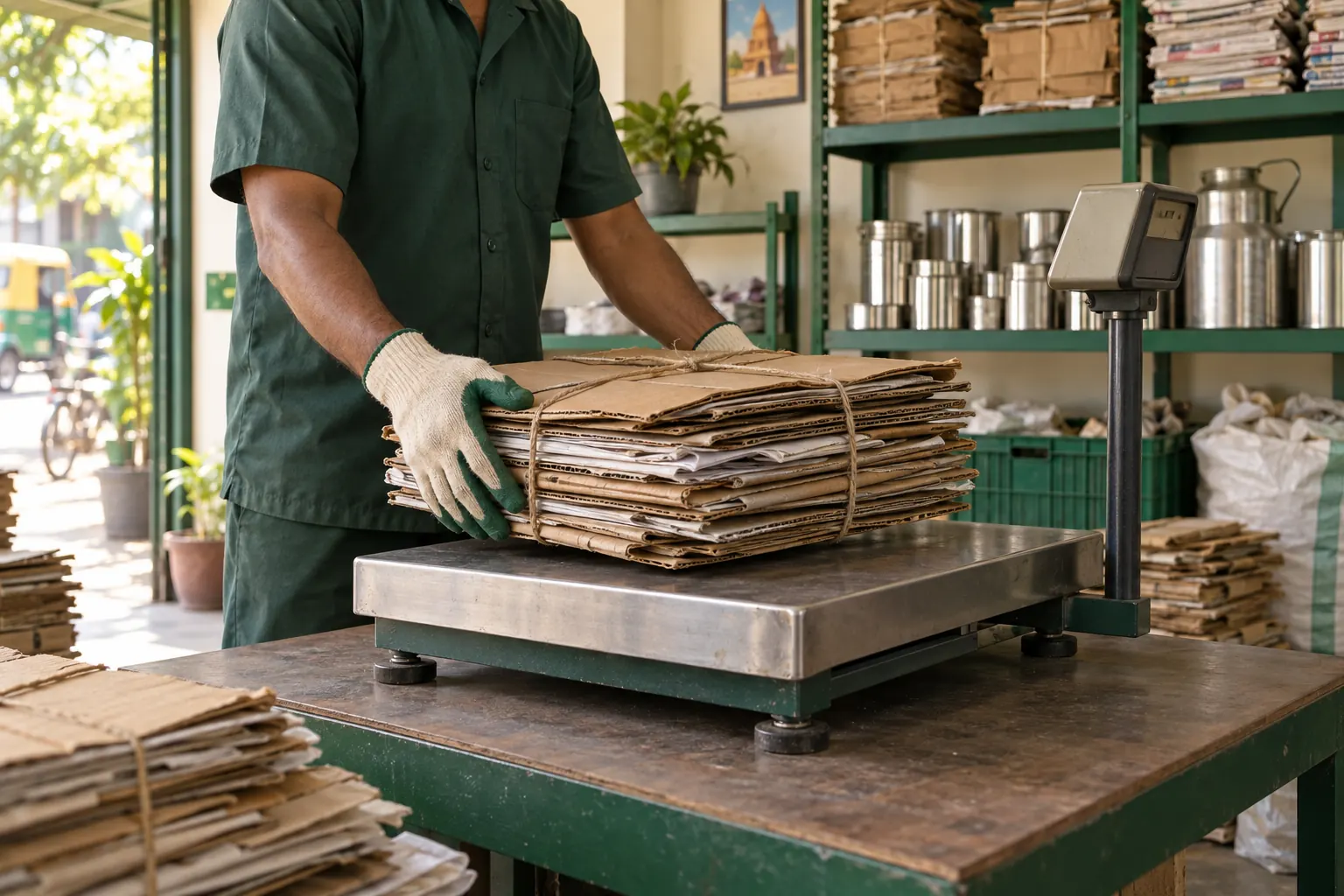
    • Zero the scale in front of the household.
    • Weigh each material on its own.
    • Show the total before you pay.
    Open the guide
  3. 3

    Handling materials safely

    3 min

    • Gloves and closed shoes, every time.
    • Lift with your legs, and get help over 25 kg.
    • Keep batteries and e-waste apart.
    Open the guide
  4. 4

    Serving households well

    2 min

    • Call before you go and arrive in your slot.
    • Be polite and weigh where they can see.
    • Pay before you leave, every time.
    Open the guide
  5. 5

    Demo: Selling to preprocessors

    3 min

    • Record your sorting so your stock is right.
    • Show your stock to preprocessors near you.
    • Business payments use the payment gateway. Check the order for its current payment status.
    Open the guide

Your progress is saved on this device.

Need an answer from the team?

Talk to a person. We reply within one working day.

Monday to Saturday, 9 am to 7 pm

Phone and WhatsApp support are not available.

Help for someone else